The product
Youni is an app for university life. Societies and event organisers get a page, an events list, a team and their stats. Students get one place to find groups and events, save their picks, keep their tickets and look back on what they went to.
Youni started with the societies and students of Oxford. It needed a website that speaks to both audiences and sends them to the app stores. I built it on my own in October 2022.
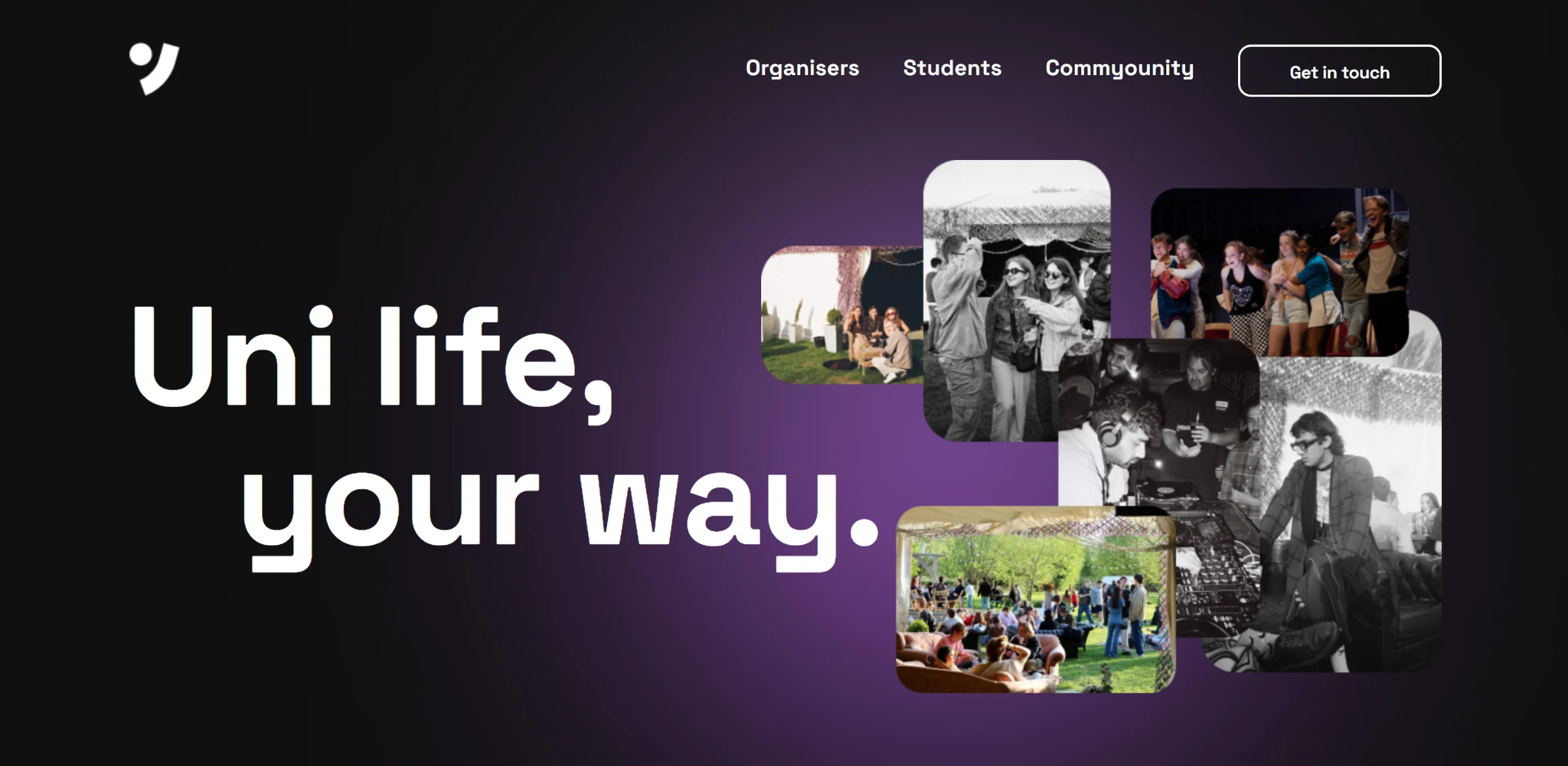
The home page hero, with a collage of event photos.
What I built
A React site with five routes: home, organisers, students, a community page and contact
Two home page carousels on react-slick, with custom arrows that dim at either end and dots placed outside the slider
A page for organisers and a page for students, each built around app mockups
A contact form with a file attachment and a team section
A mobile layout for every page and a full-screen mobile menu
Two carousels on the home page
Under the hero, the first carousel shows real events as they look in the app: an Oxford Women in Business evening with a London consulting firm, a night of electronic music at The Bullingdon. Each phone carries the event card with its time, venue and who is going. Further down, the second carousel shows society pages, from Oxford Women in Business to the Oxford University Dramatic Society, each with its follow button and upcoming events.
Both run on react-slick. I replaced the default arrows with my own, which dim when there is nothing more to scroll, and moved the first carousel's dots out of the slider so they sit under the heading instead of under the phones.
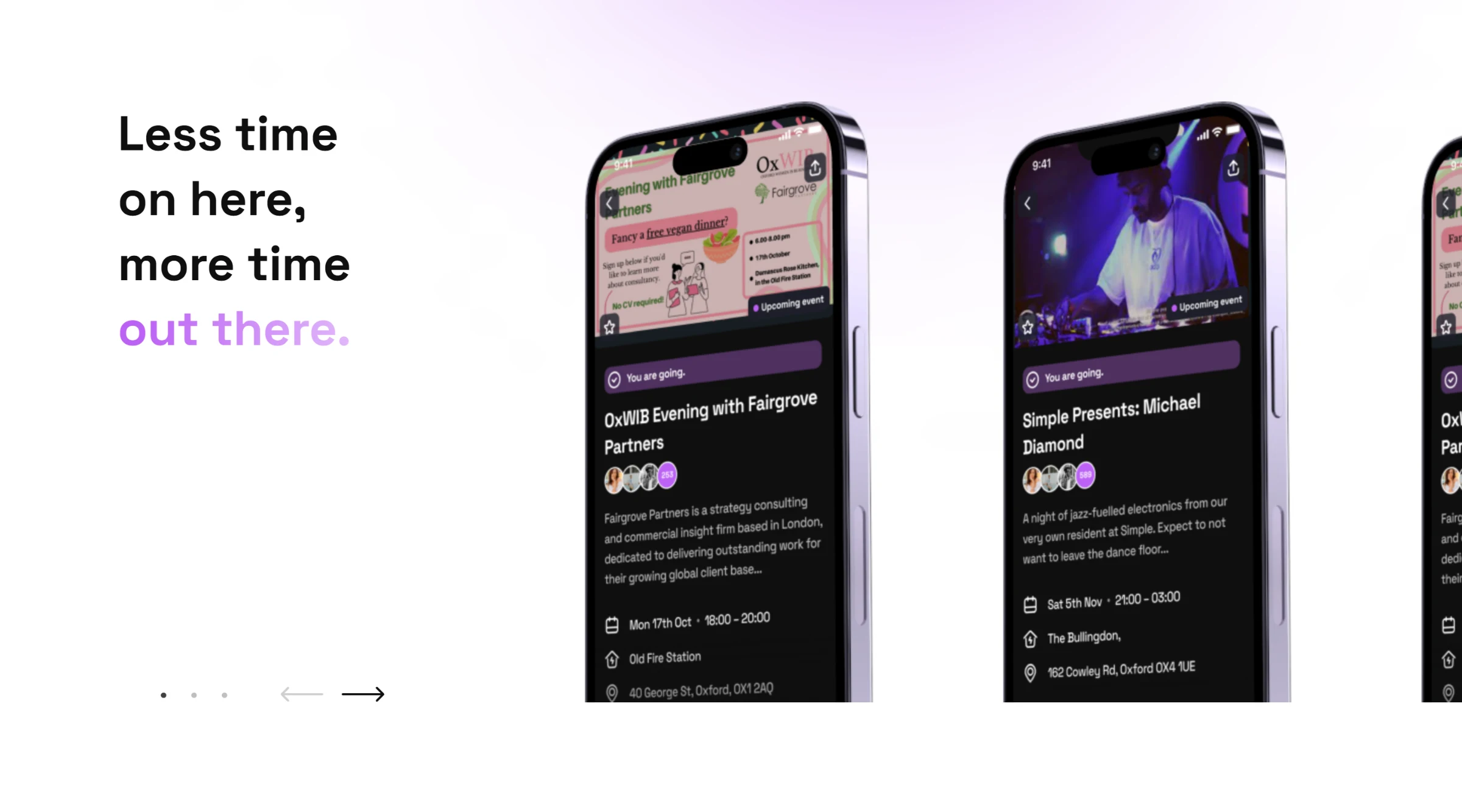
The events carousel, with real Oxford events in the app.
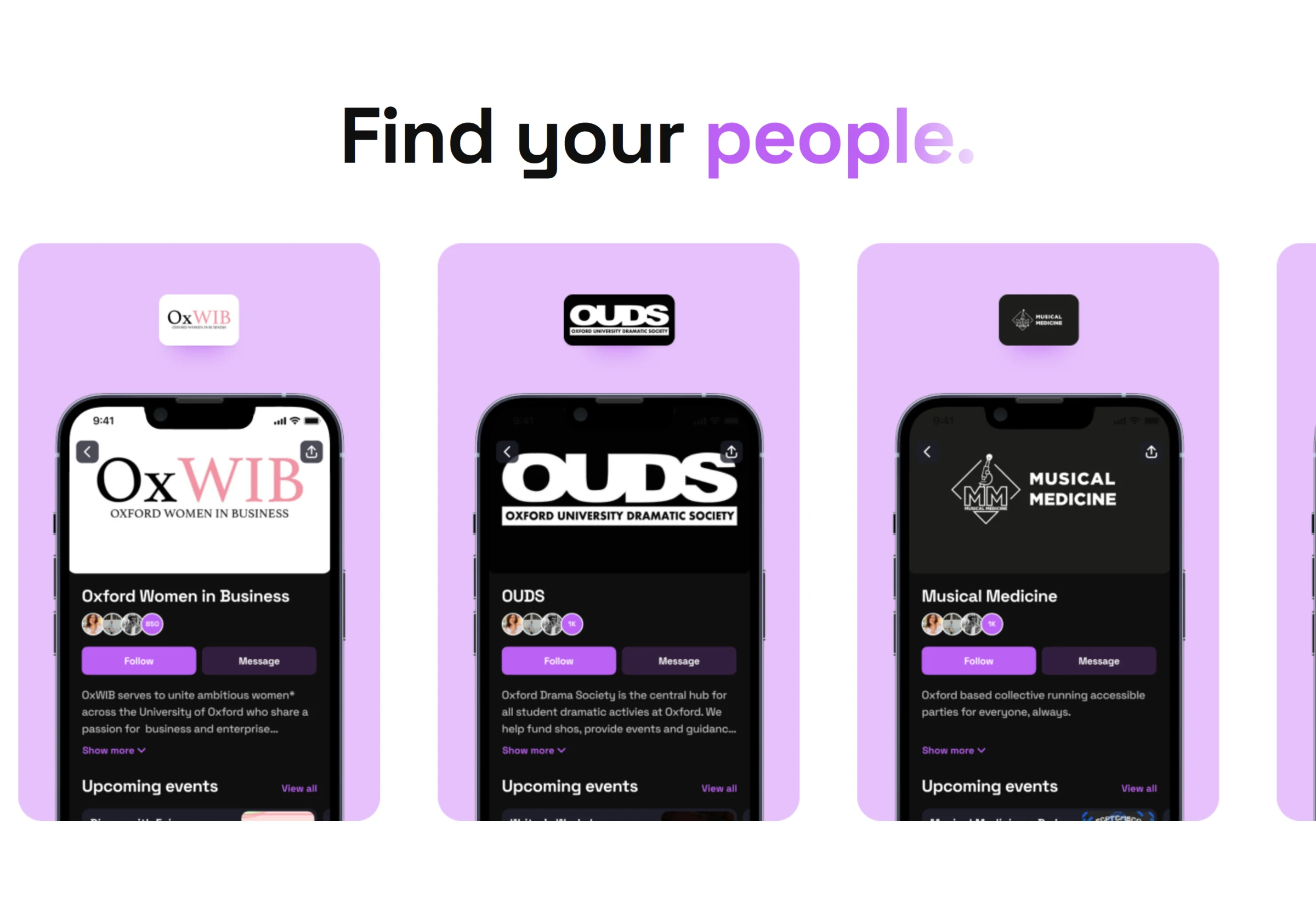
Find your people: society pages in the app.
One page per audience
Organisers and students want different things, so each gets its own page. The organisers page leads with three cards: meet your market, monitor engagement and spending, and spend less time on screens. The students page walks through the app's four tabs, Discover, My Life, Wallet and Profile, one mockup each.
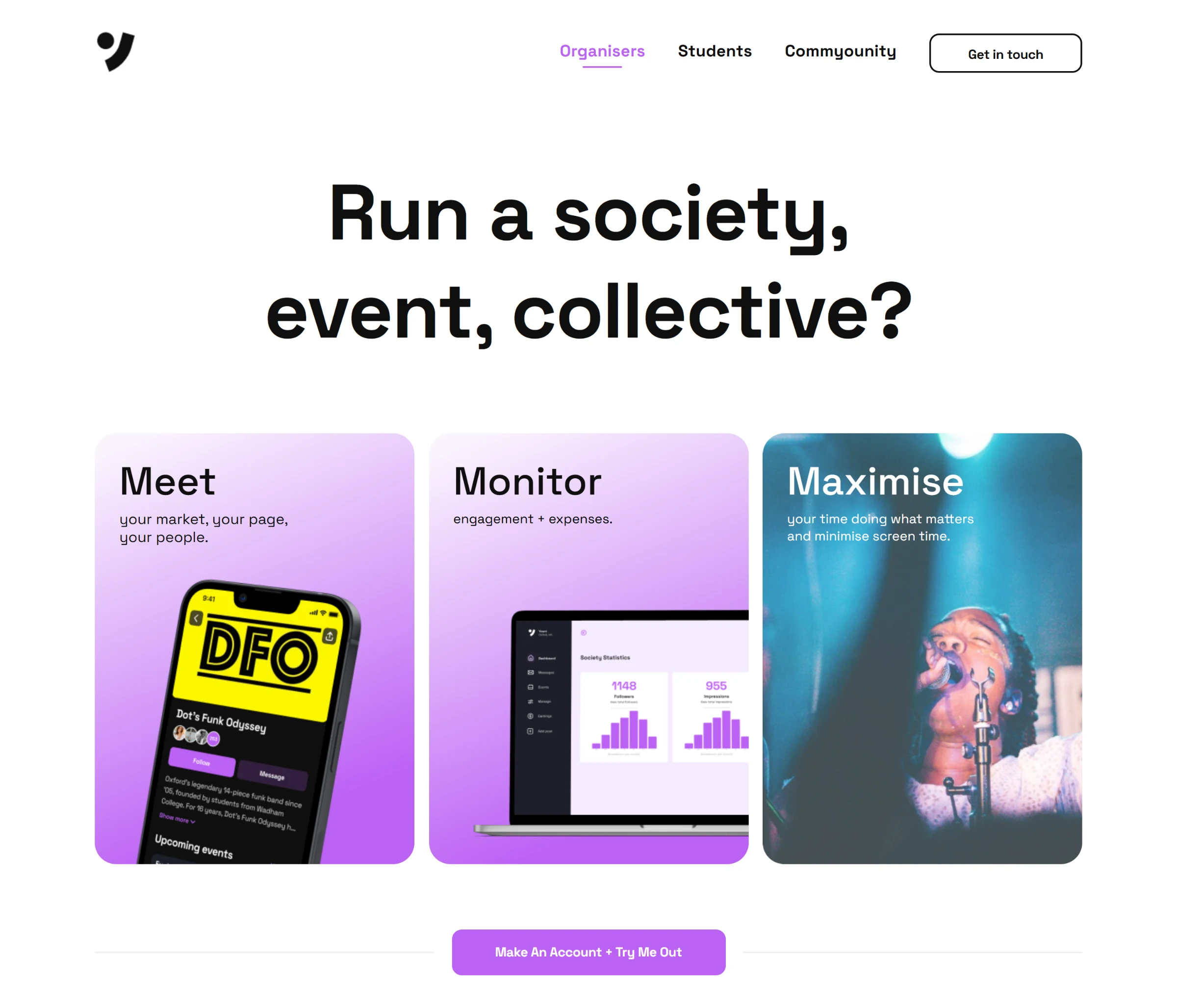
For organisers: the page, the stats dashboard and the point of it all.
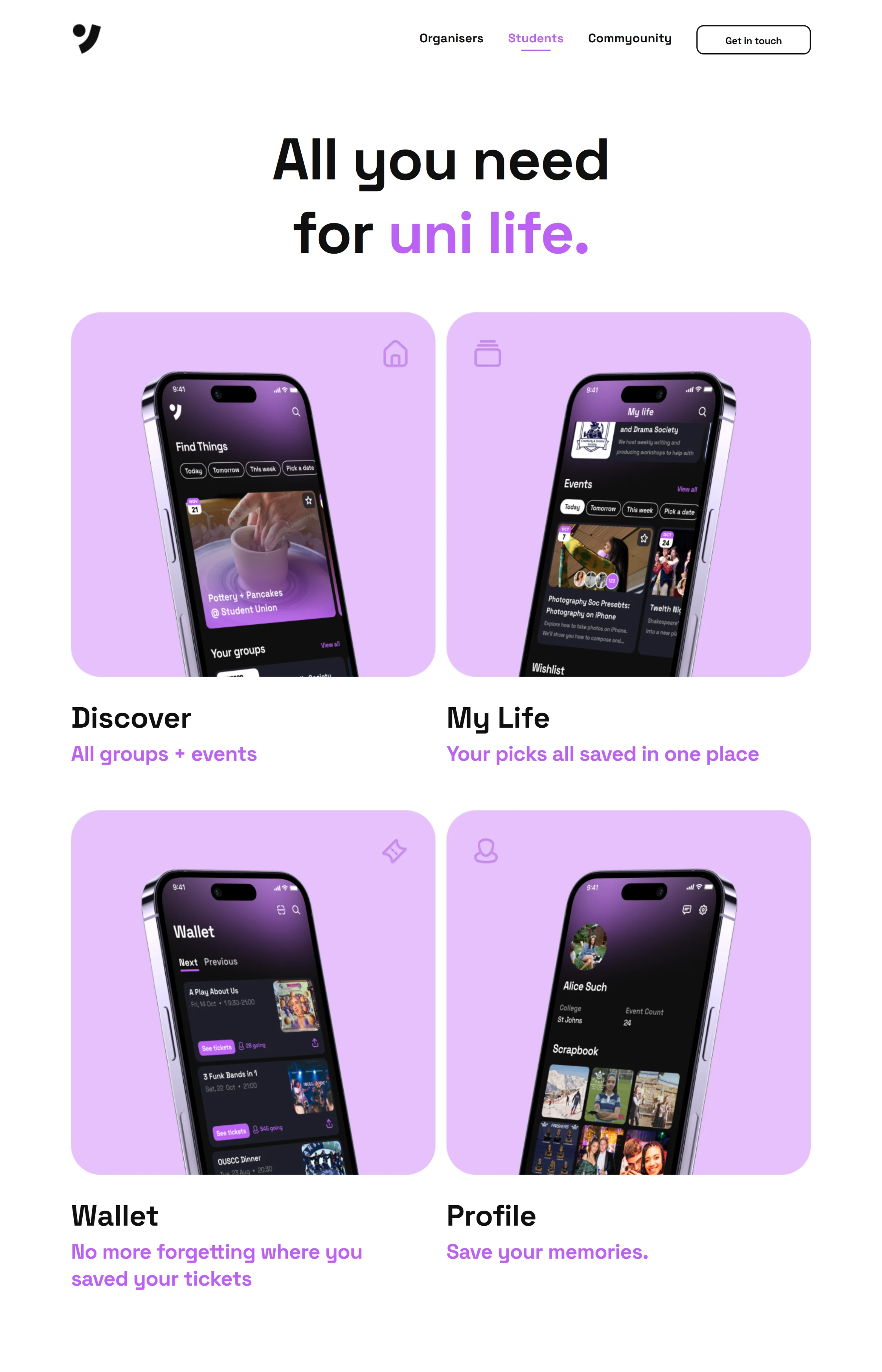
For students: the four tabs of the app.
Commyounity
The Commyounity page says what Youni gives back: a share of its profits goes to societies, organisations and student funds in Oxford. Below that sits a row of news cards about student life at Oxford and a wall of partner logos, from the Oxford University Dramatic Society to Cherwell and The Bullingdon.
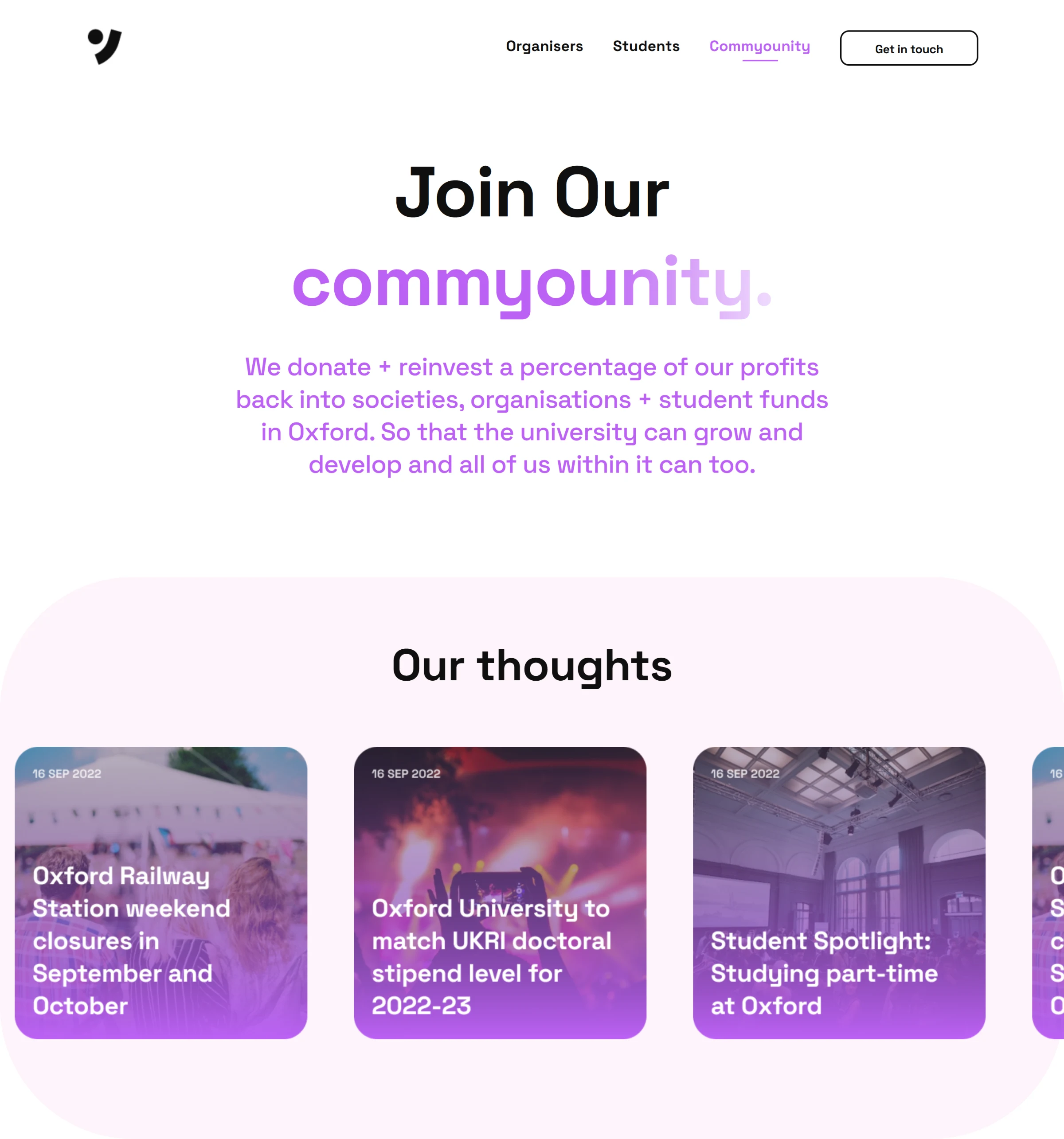
The Commyounity page and its news cards.
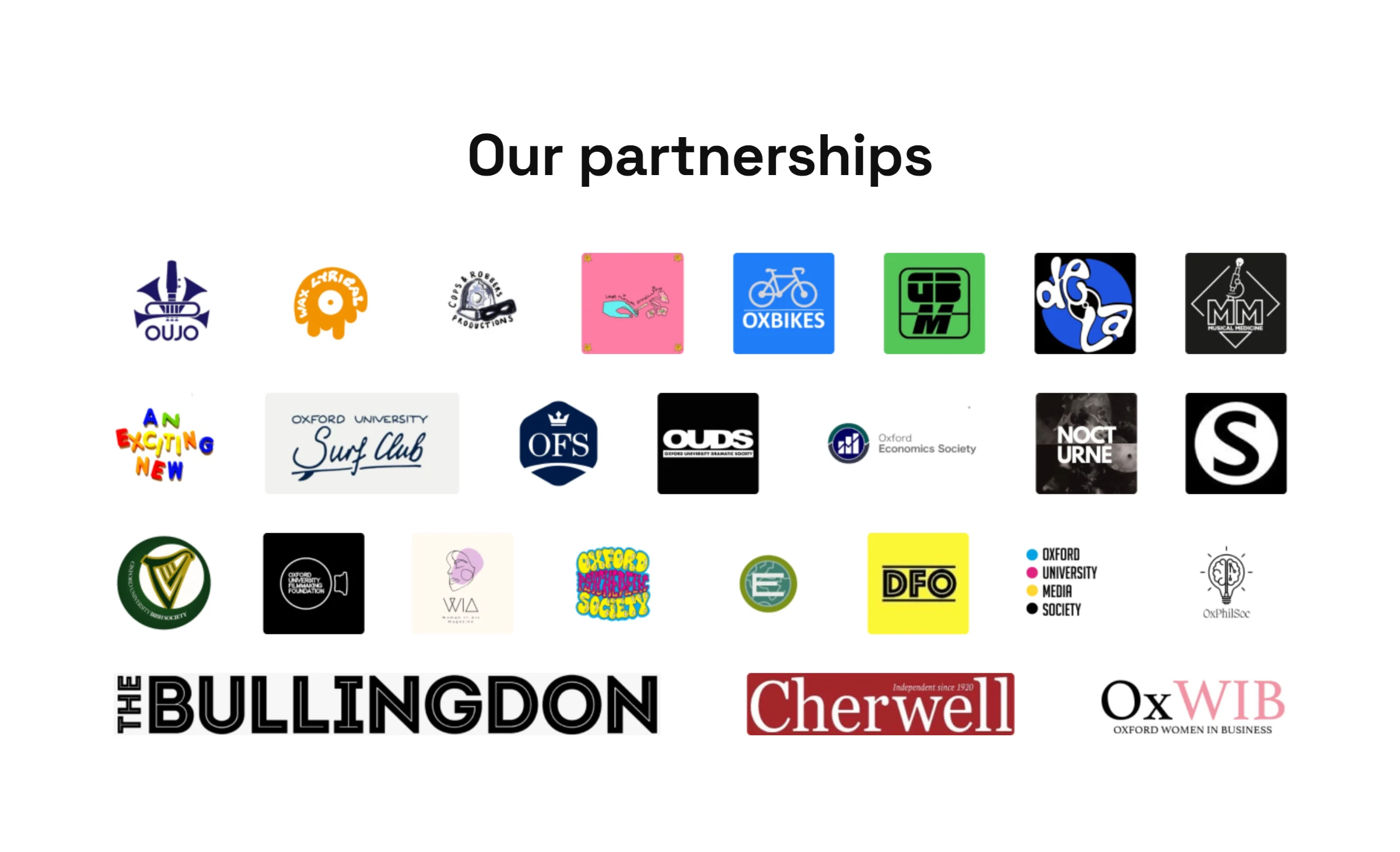
The partner societies.
Getting in touch
The contact page keeps one form for ideas, questions and suggestions, with an optional file attachment. It pairs with the organisers page, which offers free help with logos and posters.
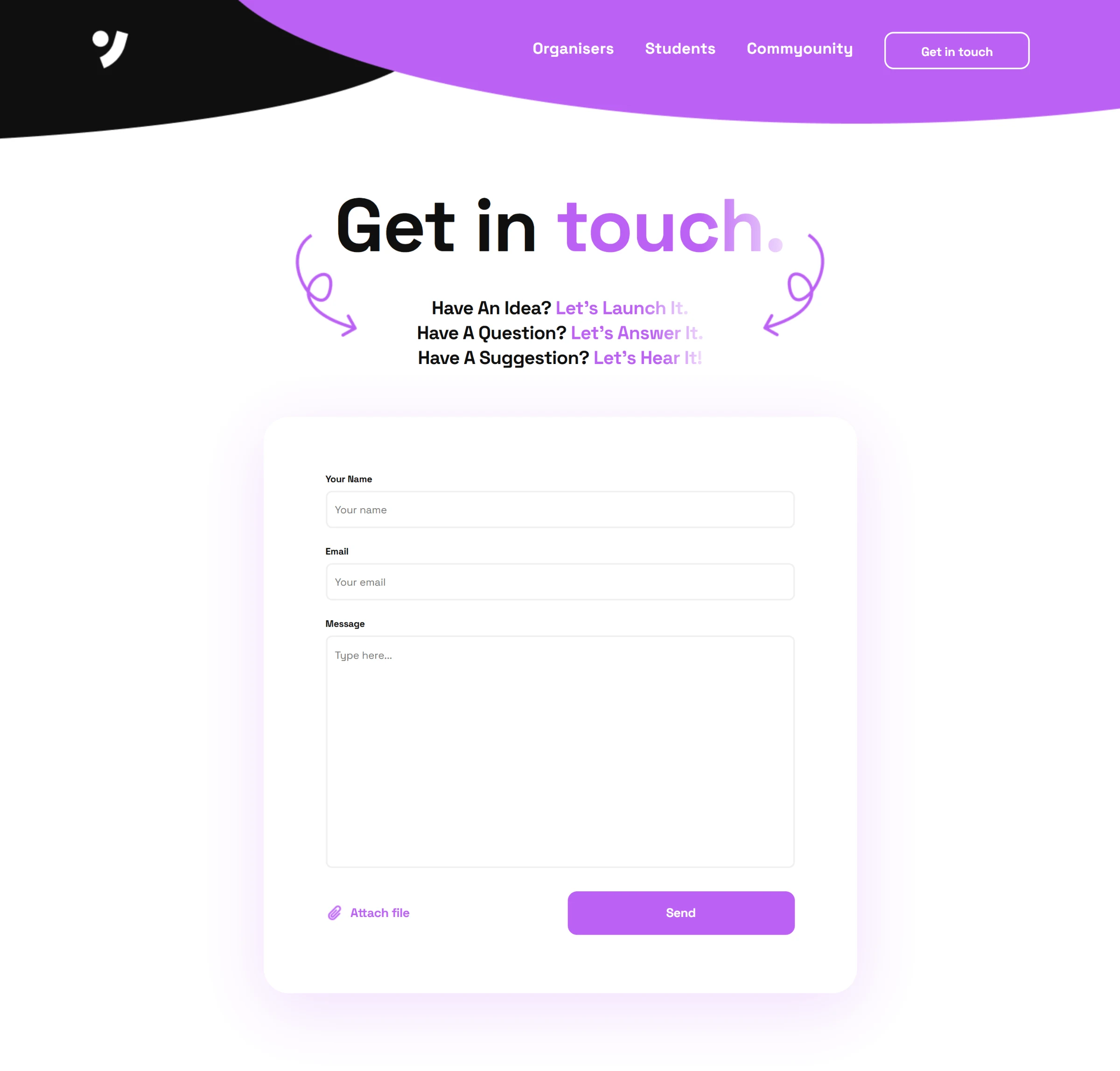
The contact form.
On a phone
Every page has its own mobile layout. The hero stacks the collage above the headline, the cards become a single column, and the navigation opens as a full-screen menu.
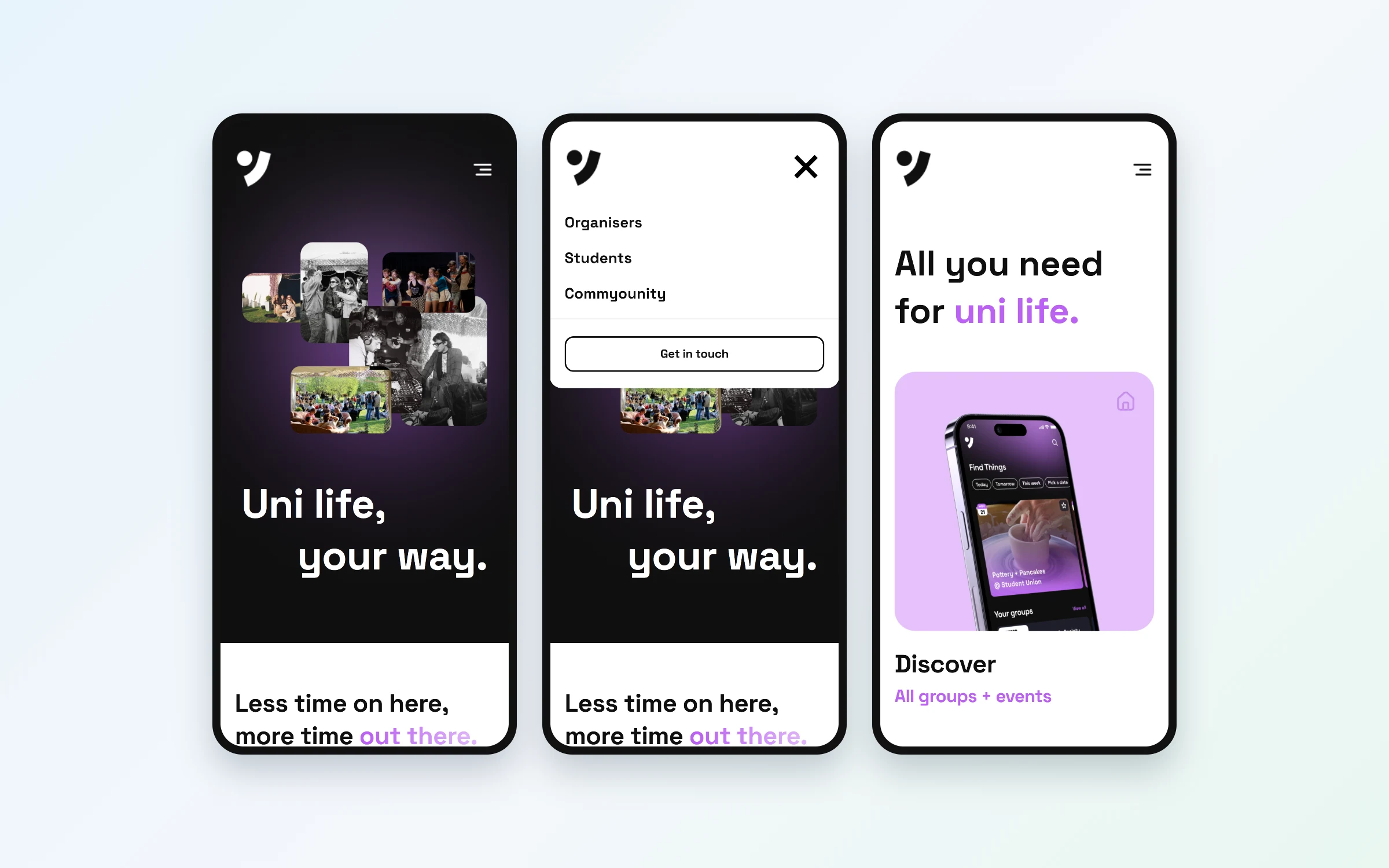
The hero, the menu and the students page on a phone.